




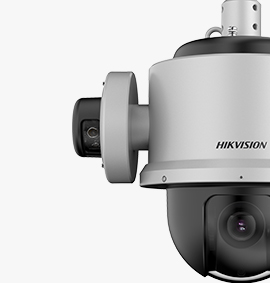


















The short answer. A Hikvision turret camera has three axes you can adjust at the mount: pan (left-right, 0 to 360 degrees), tilt (up-down, 0 to 75 degrees), and rotation (image roll, 0 to 360 degrees). Loosen the locking screw on the housing, position the lens, then re-tighten. It comes up regularly at our Belvedere counter when an installer brings a camera back saying the image is rotated or they cannot aim it at the right spot. Below: the steps to loosen the housing and re-aim the lens correctly.
Turret camera supports to adjust angle manually
Angle Adjustment: Pan: 0° to 360°, tilt: 0° to 75°, rotate: 0° to 360°
Step 1
Please kindly take off the ring at the bottom of the camera.

Step 2
Find the screw and unscrew it.

Step 3
After unscrewing, pull out the metallic gasket.
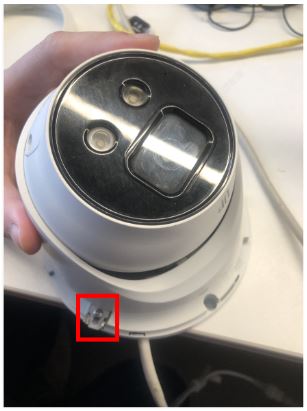
Step 4
Pull out the bottom of the camera and adjust the angle of the camera up to your need manually

Related reading from the ERTECH blog
Latest Posts

Tiandy Thermal Cameras UK: Fire Prevention and ...
19 April 2026 Comments Off on Tiandy Thermal Cameras UK: Fire Prevention and Perimeter Security