

























How to Connect Your Phone to the Hik-Connect App in 5 Easy (and Fun) Steps! 📱✨
1. Download the Hik-Connect App 🎉
- For iPhone users: Head over to the App Store, search for “Hik-Connect,” and hit Download. 📲
- For Android folks: Pop into the Google Play Store, search for “Hik-Connect,” and tap Install. 🛠️
2. Create or Log In to Your Account 🔑
- Open the Hik-Connect app and either log in with your existing account (because who likes making new accounts, right? 😅) or tap Register to make a shiny new one. ✨
- You’ll need your email and a password—no biggie!
3. Add Your Device (It’s Like Magic ✨)
Here comes the fun part! You can add your awesome Hikvision device (camera, DVR, NVR, etc.) by either:
A. Scanning the QR Code (🪄 Abracadabra!)
- Find the QR Code on your device (it’s like a secret code you get to unlock! 🔓).
- Hit the + button in the app, and then Scan QR Code. Hold your phone up like you’re a wizard casting spells, and boop! The app will do the rest. 🔮
B. Manually Add (Old-School Style)
- Don’t have a QR code? No worries, just go with the manual method! Tap + > Manual Add, then enter your device’s Serial Number and Verification Code (you’ll find this info on your device, like a treasure map 🗺️).
4. Link It Up, Baby! 🎯
- After scanning or typing in the info, the app will ask if you want to link the device to your account. Just tap Add, and poof! it’s connected. 🧙♂️
5. Now You’re Ready to Watch! 👀🎬
- Once everything’s all set, you’ll see your device pop up in the app. Tap on it to check out live footage or check out old recordings like a surveillance pro. 🕵️♀️
- If you’re not on the same Wi-Fi, no worries! Make sure your device is connected to the internet, and you’re good to go remotely. 🌍
Bonus Tip: If you’re feeling extra tech-savvy and want to watch from anywhere, double-check that Cloud Access or P2P is enabled in your device settings. You’ll be all set to monitor your place from anywhere in the world! 🌎🚀
And boom! You’re now the proud owner of a high-tech surveillance system right in your pocket. Enjoy the view! 😎📱
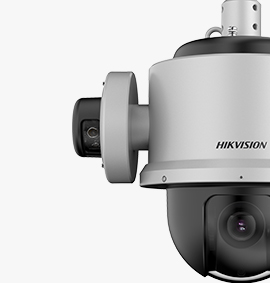
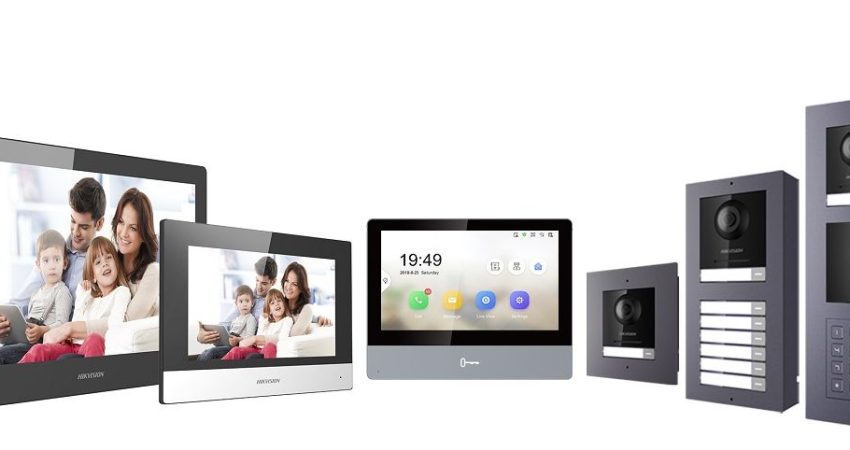
View our Hikvision IP Camera and Intercom range here
Latest Posts

Tiandy Thermal Cameras UK: Fire Prevention and ...
19 April 2026 Comments Off on Tiandy Thermal Cameras UK: Fire Prevention and Perimeter Security